Coming soon to Chrome and Figma
Turn any web page into editable Figma layers.
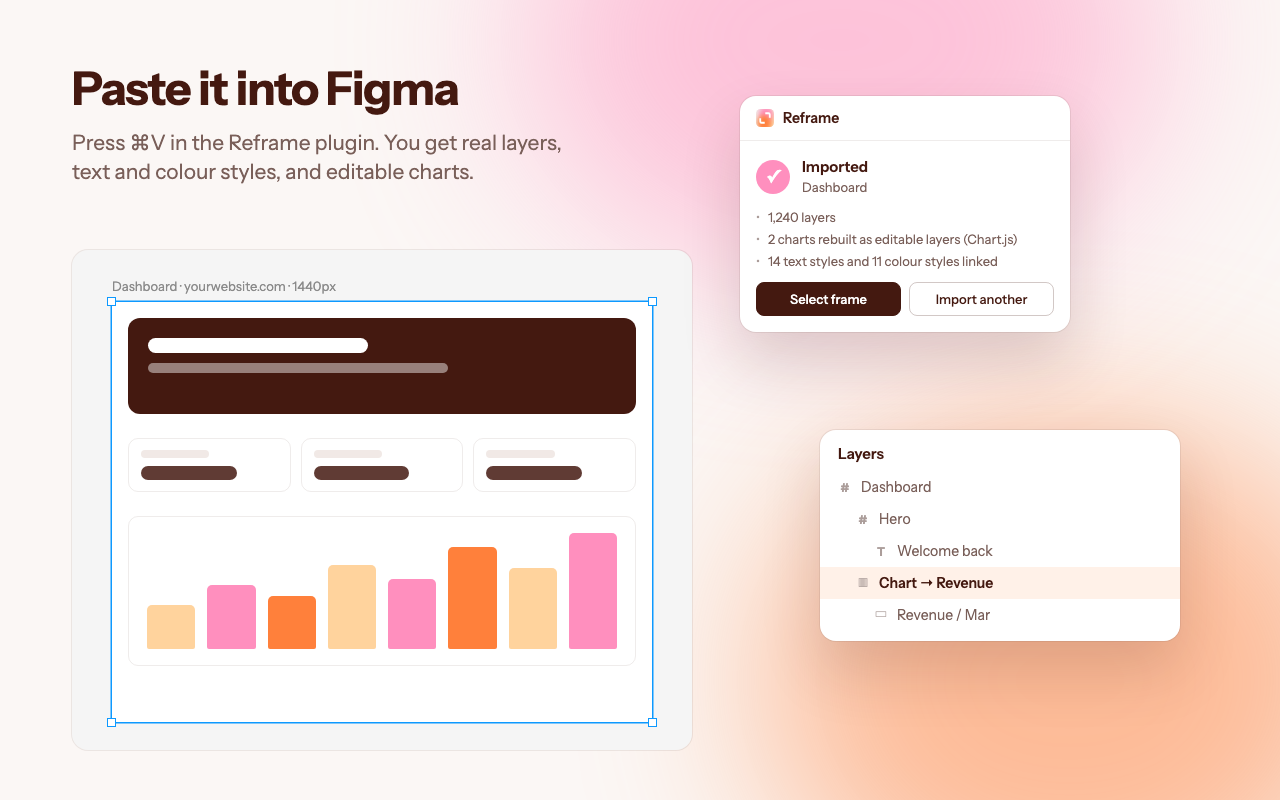
Capture a page in Chrome and paste it into Figma. Text stays text, icons come in as vectors, and charts arrive with their data, so you can change the numbers and redraw them.
Get an email when it launches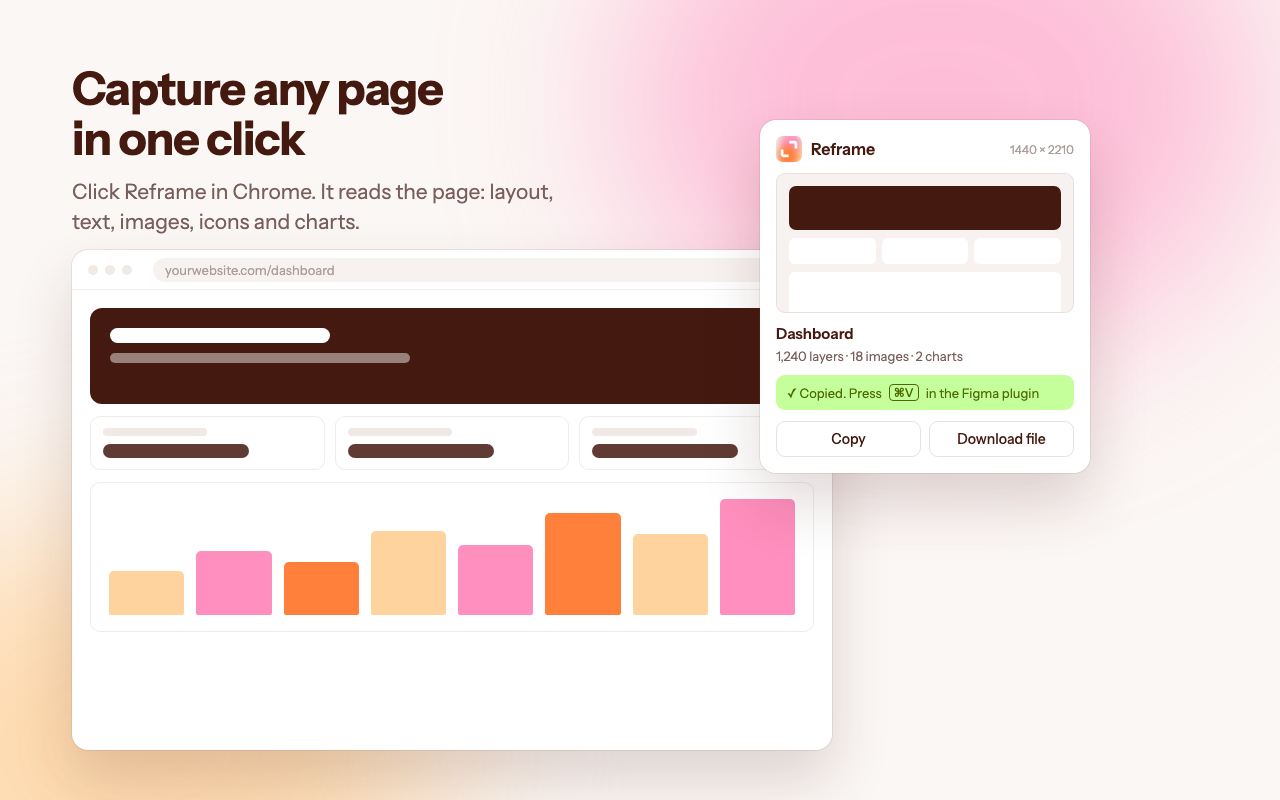
Made for the back and forth.
More and more interfaces start life as code: a prototype from an AI tool, or a quick build from an engineer. Designers still do their best work in Figma. Getting from one to the other usually means rebuilding the screen by hand, so iterations slow down and the two versions drift apart.
Reframe moves the real thing across in seconds. A designer refines what was generated, the engineer picks it up, and you go again. Every round starts from what's actually built, not from a guess.
- 01CaptureClick Reframe in Chrome on the page you want.
- 02PasteOpen the Reframe plugin in Figma and press ⌘V.
- 03EditWork with real layers, named after what they are, with text and colour styles already set up.